

Gone are the days when designers use software with only desktop-based workflows. Although Photoshop and Illustrator are still powerful assets with a leading position in the industry, cloud-based web graphics editing and user interface design apps are changing the landscape dramatically.
Before the graphic editing market revolution, designers had to enjoy solitude in their endeavors since a real-time collaborative environment was non-existent. However, everything has changed with web-based applications that prioritize teamwork and provide artists with tools to invite colleagues and friends to participate in the workflow. This has dramatically improved the outcome, taking a product from good to great without going the extra mile.
That is not all. Web-based solutions come with perks like a low entry level with numerous predefined graphical elements and templates that give non-design-savvy people the real opportunity to create something exquisite. On top of that, they have offered creatives a range of substantial benefits, such as:
- Native customization for numerous devices.
- Easy integration with other design-tailored plugins that drastically improve workflow and the product itself.
- High level of accessibility. Users can get started on a project without having to install the program at all.
- More effective UI design aspects than traditional ones.
- An easier and quicker way to bring designs to life. Some solutions immediately convert graphics into HTML/CSS templates and host them on their servers.
- Low-cost. The majority of web-based solutions are free or pocket-friendly.
As a result, web-based solutions have skyrocketed in popularity and demand, having carved their niche and won millions of fans across the Globe.
Recent studies have proved this. According to surveys, Figma (one of the most known web-based graphic editing applications) has become number one for design tools in less than five years, demonstrating that this market sector is flourishing. However, Figma is not the only representative in this segment. Artists have plenty to choose from. Let us consider the best Figma alternatives, both free and paid.
The Best Figma Alternatives [Free and Paid]
Siter.io

We will start our collection with Siter – one of the most popular and trusted web tools for small and mid-sized businesses that comes as a top Figma alternative on many grounds. Also, Siter.io offers a Figma plugin which converts your design to a live website without coding.
Online Email Template Builder
With Postcards you can create and edit email templates online without any coding skills! Includes more than 100 components to help you create custom emails templates faster than ever before.
Try FreeOther Products
- It is a no-code platform with all the features and benefits this approach holds. That means it speeds up execution, allows for multiple use cases, has a low entry-level, and bridges the gap between designers, the dev department, and teams from various verticals.
- It is a cloud-based platform. Designers may create and save their projects in reliable virtual storage available from anywhere on Earth. This feature provides business continuity, collaboration efficiency, flexibility of workflow, and other productivity perks.
- It is a freehand editor that is increasingly intuitive. The team has replicated the familiar environment with popular tools, shortcuts, layouts and groups, and a massive customization panel.
- It offers quick access to a dozen forms and apps, thousands of free icons, and millions of free images on Unsplash.
- It allows re-using colors and styles thanks to a well-built design system.
- It has animation settings triggered by some specific user’s actions that take designs to the next level.
- It has a wide range of use cases: designers are welcome to create all sorts of web interfaces, including e-commerce projects.
- The platform takes a design and makes it go live within minutes providing users with disk space on a reliable server and the capability to add a custom domain or use subdomains of the platform.
Impressive, but what about price? Siter is a cost-effective solution. It has pocket-friendly prices that perfectly meet the demands of companies on the rise. Each can be tested free to see whether it fits the company’s requirements and expectations.
Moqups
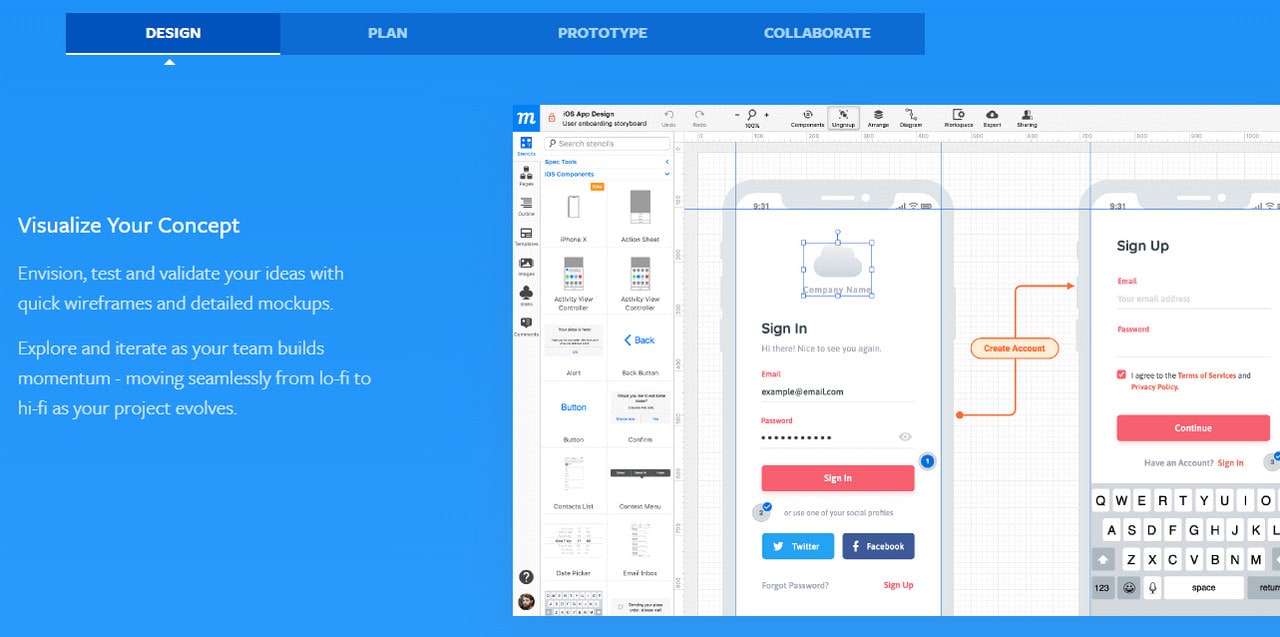
As the nameplate of this web-based graphic editing software states, it is all about creating mockups and prototypes. And the application is befitting its name, standing quite tall in the niche.
Used by over 2 million creatives from various sectors, including product managers and UX professionals, Moqups is a popular tool for doing foundational work on complex projects that allows cross-domain team collaboration. Users may enjoy these features:
- The multifunctional drag-and-drop playground with all the essentials to design, plan, prototype, and collaborate. Users may quickly build diagrams, wireframes, prototypes, UI interfaces, and web designs without switching apps.
- A cloud-based solution with excellent storage capability, which allows working remotely from any device.
- A single, intuitive interface that encourages creativity without restriction by ditching unnecessary and distracting complexity.
- Collection of ready-to-use, vigilantly crafted stencils.
- Extensive range of icons, fonts, and styles.
- Intelligent and dynamic tools for object editing that work with multiple groups.
The basic plan for individuals starts at $13 per month, which unfortunately does not include real-time collaboration. The latter option is available in the next tier created for teams. It costs $23 per month, billed annually.
Invision
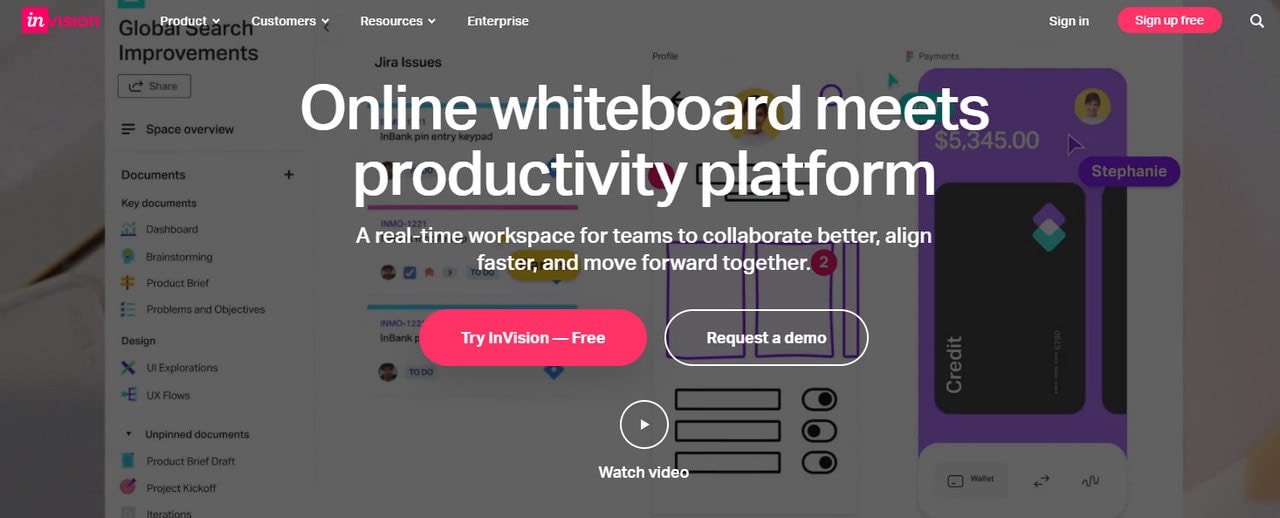
If you want to replace Figma as a prototyping, wireframing, and real-time collaboration tool, you should try Invision.
Invision has been in this niche for some time. It certainly knows how to meet the demands and expectations of the tough creative crowd. Therefore, it is no surprise that the team has introduced a substantial list of features. The most crucial are:
- An intuitive playground with all the essentials, including graphic tools, mockups, and icons.
- A bulk of customization options to fine-tune every aspect of the element.
- Over 100 stylish, polished, vigilantly crafted templates that are ready to be put into action.
- Smart widgets to streamline workflow.
- Collaborative functionalities allow members and non-members to participate in a project, thereby making the most out of team abilities.
What is more, much like Siter, Invision is a prototyping tool for developing user interfaces. It lets designers create mockups and bring them to life by converting them into viable HTML/CSS templates.
As for pricing, it is a bit tricky. The platform charges $4 for every active user, which may sometimes lead to a pretty hefty price. For instance, it may easily cost the company $200 per month. Therefore, exercise caution. First, try the free plan and see how it goes.
Adobe XD
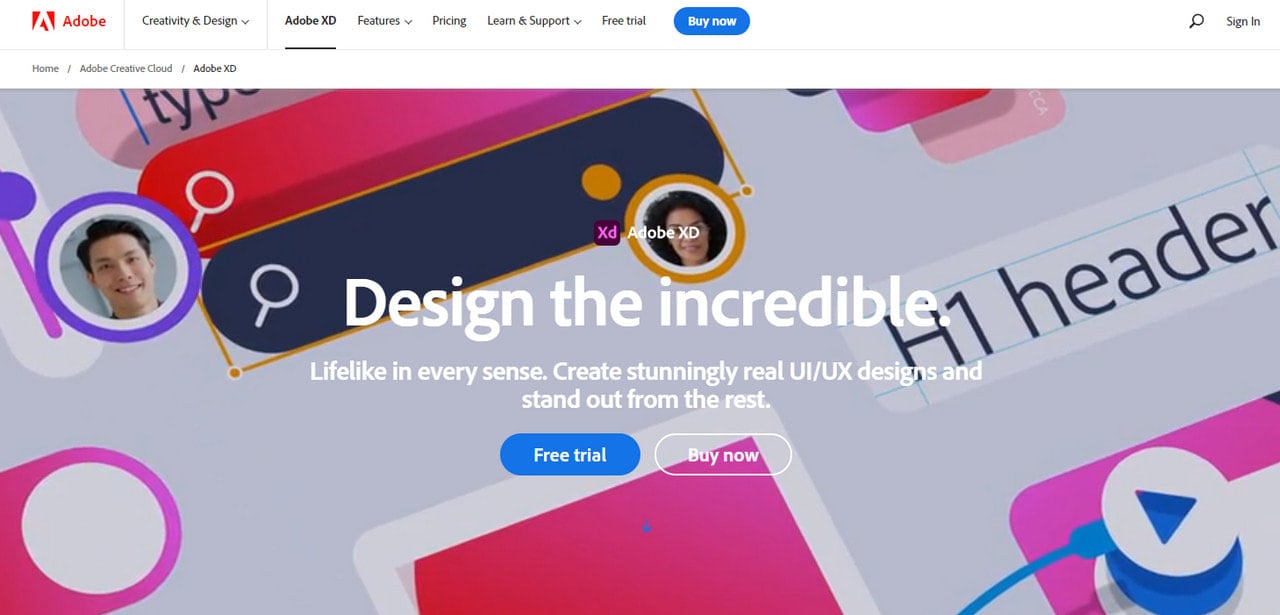
Let us talk big names – Adobe. The industry leader did not stand aside from the global struggle for cloud-based web graphic editing solutions. Actually, its product in this market segment (that is abbreviated as XD) is one of the most famous alternatives to Figma in our list. I bet you have heard of it once or twice already.
Coming from a family of widely respected products, Adobe XD provides a helping hand to designers across the Globe, making their life easier and workflow more productive, much like their siblings in their respective niches.
As befits, it comes with multiple features. However, we are going to list only the most crucial that plead the case:
- It offers all the essential features to create prototypes for web design, app design, brand design, and game design.
- It runs on all popular platforms and devices, including Windows, Mac OS, and iPad OS.
- It offers modern features like 3D transformations or fancy hover and toggle states.
- It has repeat grids, which means users may easily duplicate galleries and lists, saving lots of precious time and effort.
- It has a content-aware layout that lets designers swap and resize content without many manipulations.
- It allows native import from sibling programs like Photoshop, Illustrator, and Sketch.
As for pricing, the basic plan starts at nearly $10 per month. But it does not include Creative Cloud Apps. To enjoy all benefits, customers need to pay $55 per month. The good news is there is a free 7-day trial that allows clients to gauge the capacity of this solution.
Sketch
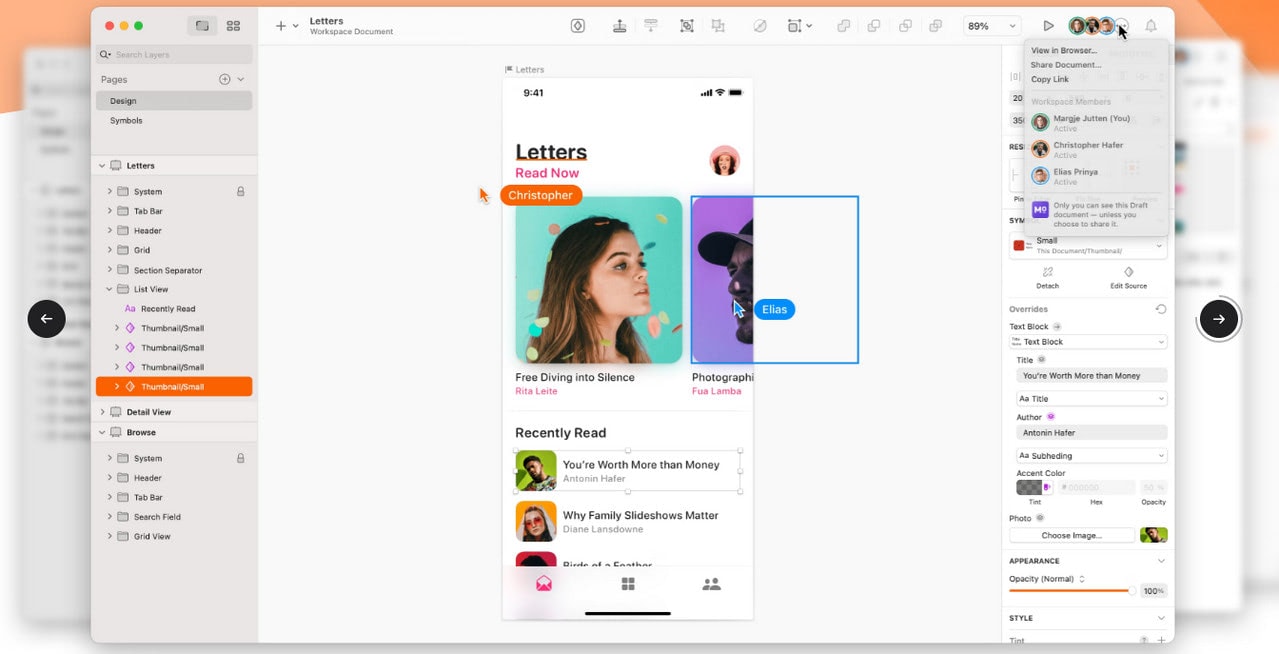
Sketch App has gained a lot of traction since its invention. Today it is increasingly popular among designers who adore letting their imagination run wild and, at the same time, care about channeling their passion in the right direction using intuitive yet powerful instruments.
Created specifically for iOS, Sketch is a vector-based tool ideal for serving the needs of those who need to build desktop and mobile UI designs, mockups, and prototypes without sacrificing time and effort. Much like any Apple product, it capitalizes on minimalism and perfection; therefore, when you start working on this application, you may notice a clean and neat playground with an infinite canvas and a multifunctional toolbar that can be customized to meet users’ needs and preferences.
Among its main features:
- Preloaded iOS, Material Design, and Responsive web templates.
- A list of typical screen sizes for Android, iOS, web, and print that allows creating designs for multiple devices elegantly and efficiently.
- Powerful preview mode.
- Collaboration features, including Cloud syncing and sharing.
- Native compatibility with Adobe Illustrator and Photoshop.
- Support for a wide range of formats.
- Integration with third-party plugins created to streamline workflow.
The pricing is affordable. The starter plan costs less than $10 per month for individuals. As for big projects and huge teams, the business plan begins at $20 per editor per month. Users are also welcome to test drive the application fee for 30 days.
Affinity Designer
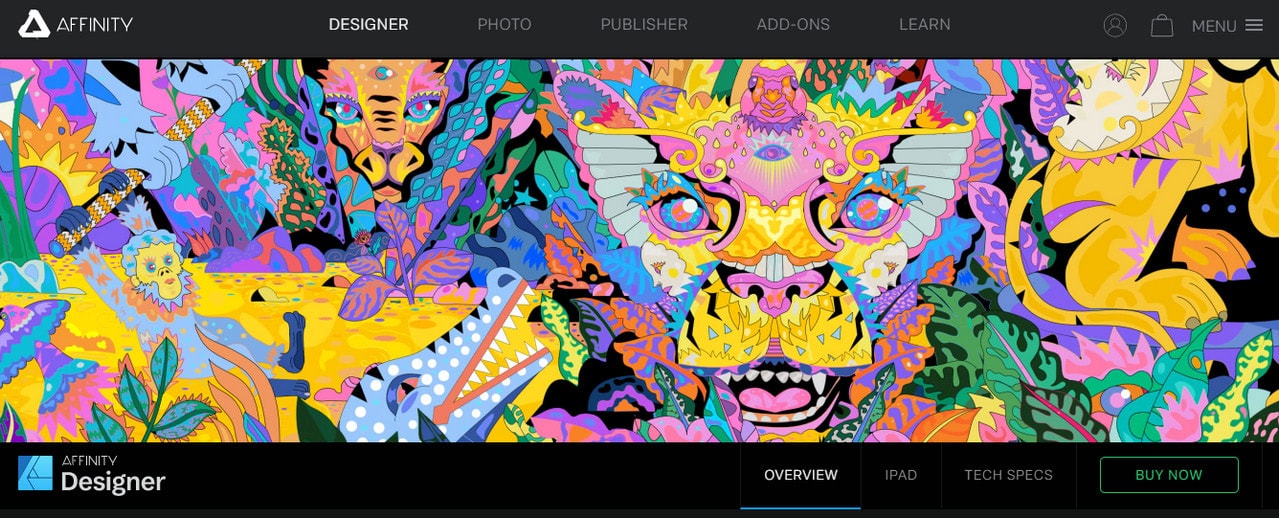
Affinity Designer is a professional software in the graphics world that squares up as a top Figma alternative. It was built to meet numerous needs of creatives, including wireframing, prototyping, UI and UX building, website creation, and much more. It is also great for design collaboration and brainstorming.
Running on three popular operating systems – Windows, Mac OS, and iPad OS – it is suitable for large crowds providing a comfortable environment everywhere. Other features that merit it a place among the best Figma alternatives are:
- Advanced grids, guides, snapping, adjusting, and alignment.
- Tools to build and preview gradients, effects, and curve edits in real time.
- Keyboard shortcuts provide a familiar workflow where tasks can be done without lengthy learning curves.
- Easy switch between vector-based and raster-based workspaces.
- Version history that allows users and team members to track progress or return to the safe point.
- Multiple file formats, including PSD, PDF, SVG, and JPG.
- Panel to manage numerous versions effectively.
- Powerful performance. The platform can handle thousands of objects with no lag.
The pricing policy is unusual. Unlike its counterparts, Affinity Designer does not have monthly bills. Users are welcome to buy the application for less than $55 or try a free trial. As for businesses and educational institutions, the license is available on request.
UXPin
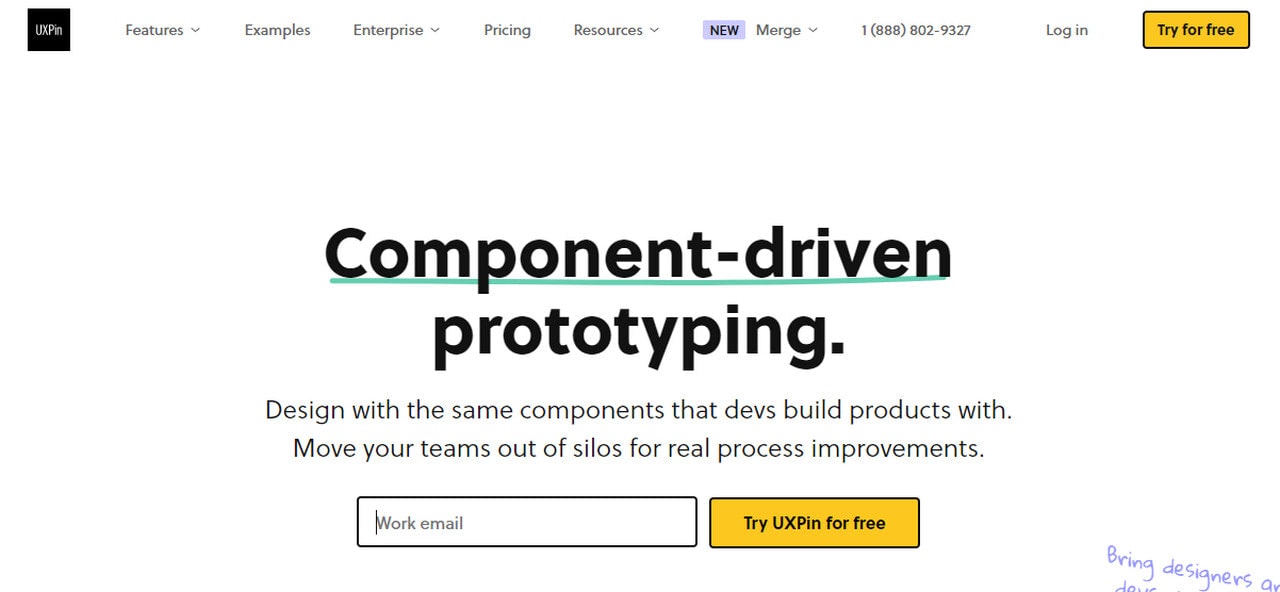
With its multiple features and great potential, UXPin can easily replace Figma in your arsenal for prototyping and creating wireframes, mockups, and web and UI designs. It dramatically simplifies workflow and multitasking, offering a highly productive environment.
One of the best features that stands this tool out as a Figma alternative is a real-time collaboration environment with all essential features to simplify brainstorming, prototyping, and sharing results with stakeholders. Designers may easily connect with colleagues and friends, collect actionable feedback, and take the project to the next level without much hassle.
That is not all. Other benefits that designers may enjoy when switching to this platform are:
- Intuitive environment with a plethora of functions for rapid prototyping.
- Ability to create and manage multiple projects without leaving the application.
- Native integration with Git, Storybook, and npm.
- Hundreds of built-in UI elements.
- Numerous hand-crafted error-proof code components are explicitly made for designers.
- Contrast Checker and Color Blindness Simulator to help designers create projects that meet accessibility principles.
- Design system for complete consistency.
- The platform works across all popular operating systems and browsers.
As far as pricing is concerned, the good news is that UXPin has a free plan for individuals or small startups. Plus, it offers a free trial period inviting designers and teams to test drive the system. For those who have already decided on the solution, there is a basic plan with all standard features and unlimited projects. It starts from $29 per month, billed annually.
Marvel App
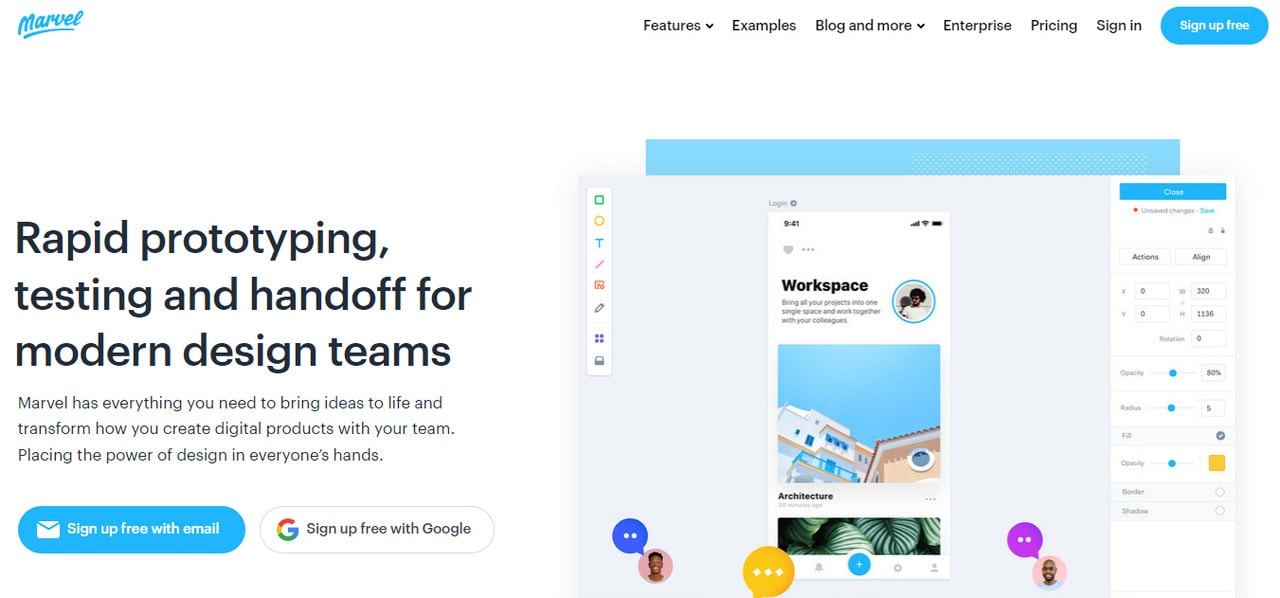
Marvel App is less powerful than some big names on our list. Nevertheless, it is a suitable alternative to Figma based on its unique focus on rapid prototyping, testing, and handoff for modern design teams. This tool may have drawn a lot of inspiration from the leaders in the niche, yet it still occupies its place in the market.
What does make it so unique is its prioritization of designing, prototyping, and developing. It does not have an excessive arsenal of instruments to cover multiple use cases. Instead, it maximizes essential tools for digital artists. Just consider its set of prime features:
- Handy drag-and-drop playground to build prototypes of various scales.
- Interactive and dynamic elements, including popular gestures.
- Automatic design specs.
- Set of modern stylistic options.
- Developing and sharing brand assets and UI kits company-wide.
- Millions of stock photos, icons, and assets to visualize ideas instantly.
- Wireframing for all popular devices, including iPhone, iPad, Android, and desktop.
- A comprehensive library of templates and assets to meet challenges from such sectors as content, marketing, and sales.
- The bulk of testing instruments: screen recording, prototype testing, copy testing, surveys, collecting voice – everything to validate design at speed and improve from various perspectives.
- Numerous integrations to power up workflow.
- Centralized feedback and ideas to get the most out of brainstorming.
One edge that this platform has over Figma is its pricing policy. It has a forever free plan for solopreneurs, whereas the professional plan sets back companies at just $9 per month. On top of that, the team offers a free trial.
Bubble
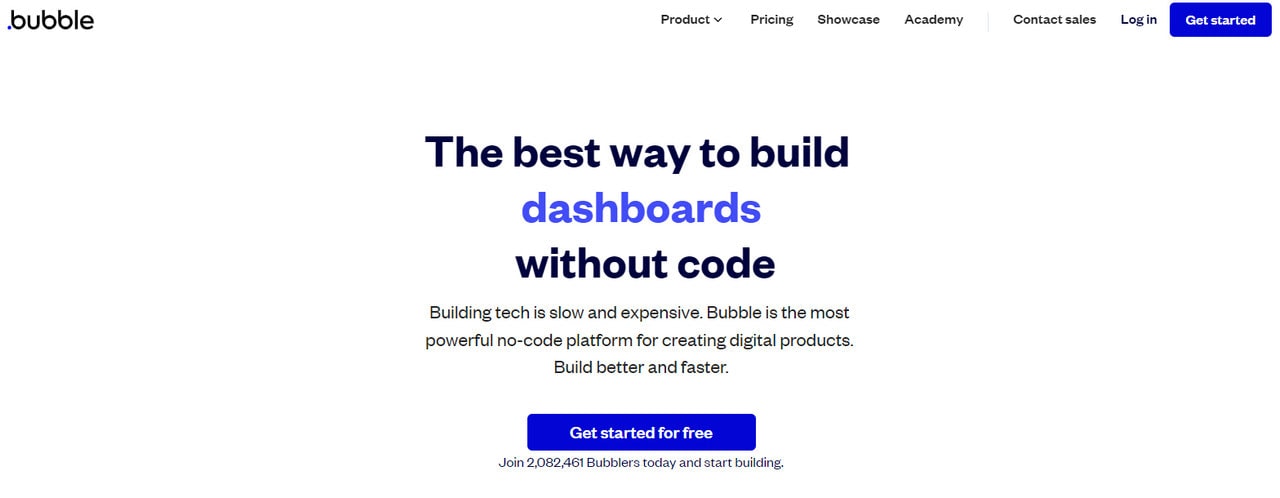
The bubble has made this list because it has already managed to win over 2 million users across the Globe despite being a relatively new product in the market. It is a no-code platform that allows digital artists to shape their ideas and bring them to life using dev tools without prior knowledge, skills, or experience in coding.
Along with that, the platform has everything the designer may need to build prototypes of graphical user interfaces for desktop and mobile platforms. There is more. Consider its prime features:
- Drag and drop editor with myriad tools and a powerful customization panel.
- Tools to create interactive, multi-user apps for desktop and mobile web browsers with mobile-friendly layouts and dynamic content.
- Scalable and secure data store to design, search, and export data structures.
- Capability to extend the project through reliable JavaScript plugins.
- No-code API connector to use popular APIs without extra coding.
- Deployment, hosting, and maintenance of infrastructure.
- Version control and backups.
The best part is that the application targets companies with shoestring budgets; therefore, their pricing policy is pocket-friendly. At first, designers may go for a free plan that offers core platform features and community support. Then, designers may upgrade their platform utilization by opting for a personal plan, which costs $25 per month.
As for other players like big organizations and those ready to scale their businesses, they may choose between two advanced options.
Vectr
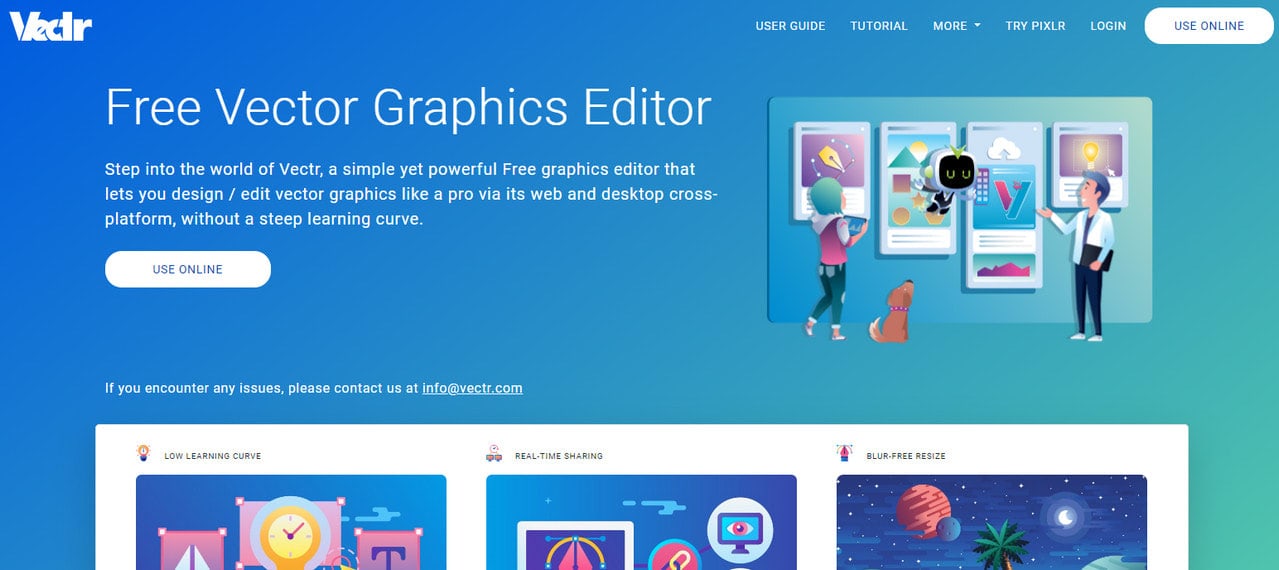
When it comes to small yet effective platforms that efficiently deal with vector graphics, there is no better alternative to Figma than Vectr.
Vectr has been with us for ages; for many designers, it is an old-school yet proven and highly-tested asset in the arsenal that has never let them down.
In a nutshell, it is a web-based graphics editor platform for creating vector graphics. Among its main features:
- Essential tools that can be found in popular editing programs.
- Familiar workflow to allow users to fast prototyping, wireframing, and design.
- Smart graphic editing.
- Time-saver tools and units powered by AI.
- Web and desktop cross-platform.
- Collaboration in real-time via URL.
Vectr is free. Use it for any purpose you need. It is available online and does not require any extra manipulations. Just sign in and start to shape your ideas.
How Do You Choose the Best Figma Alternative?
Which one do you choose? The problem is all the solutions have their own merits. Some are stronger in creating vector graphics, while others are more powerful in building live web applications. Therefore, consider these vital criteria:
- Company’s marketing long-term goals.
- Competition in the market.
- Target audience’s preferences.
- Team’s capabilities: knowledge, skills, experience.
- Budget and finances.
Before choosing a platform, it is crucial to determine what you expect from it not only now but also in the future. Make sure it gives you all capabilities to scale your project and move forward with your marketing goals.
Along with that, after deciding on the solution, follow these best practices and tips shared by professionals that help to get the most out of cloud-based graphic editing applications:
- Use base components for variant sets.
- Capitalize on a design system.
- Create templates for elements.
- Organize components and templates. Always add a cover photo, assign color, and sign projects or layers to manage them easily.
- Give your team members autonomy over the project.
- Create documentation.
- Set rules for team collaboration.
- Wait for feedback.
- Clean up the digital mess.
- Utilize the power of the Cloud.
- Use the trial period to the full extent.
- Stop multitasking
- Test, test, and test.
Conclusion
Figma is a bright representative of web-based graphic editing tools. However, it is not alone in the market. The web is teeming with alternative solutions that provide the same range of benefits and even more. Some applications have exclusive features that Figma does not. For instance, Siter has native tools to convert designs into HTML/CSS pages and host them on their reliable and secure servers, minimizing the deployment stage and letting companies start their online journey immediately.
We collected the top 10 alternatives, from Adobe XD to Siter to Vectr. Each has its own merits. There is no one-size-fits-all answer. Consider the current state of your company — depending on such criteria as mission, goal, budget, marketing strategy, target audience, and team’s capabilities — to decide what option is best for you.